Learn More Button (With Optional Text)
Usage Example
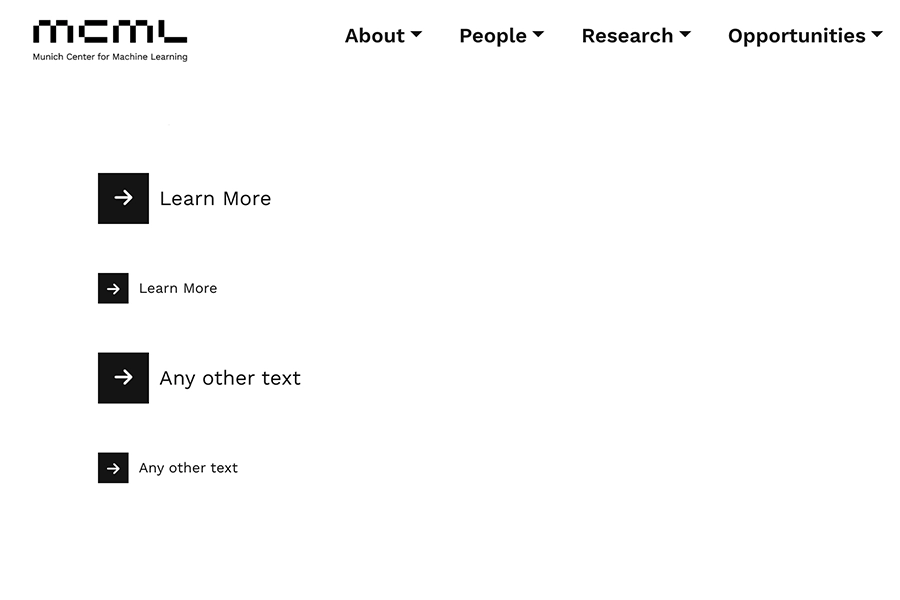
Input
Parameters
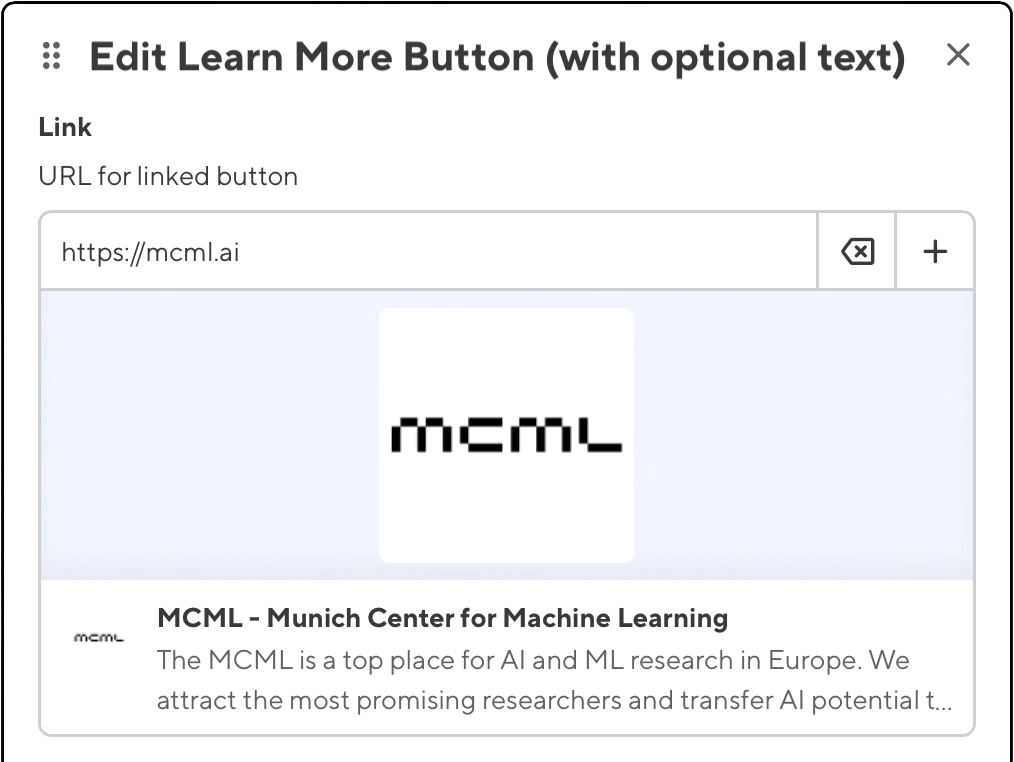
- Link
- URL for linked button
- type: url
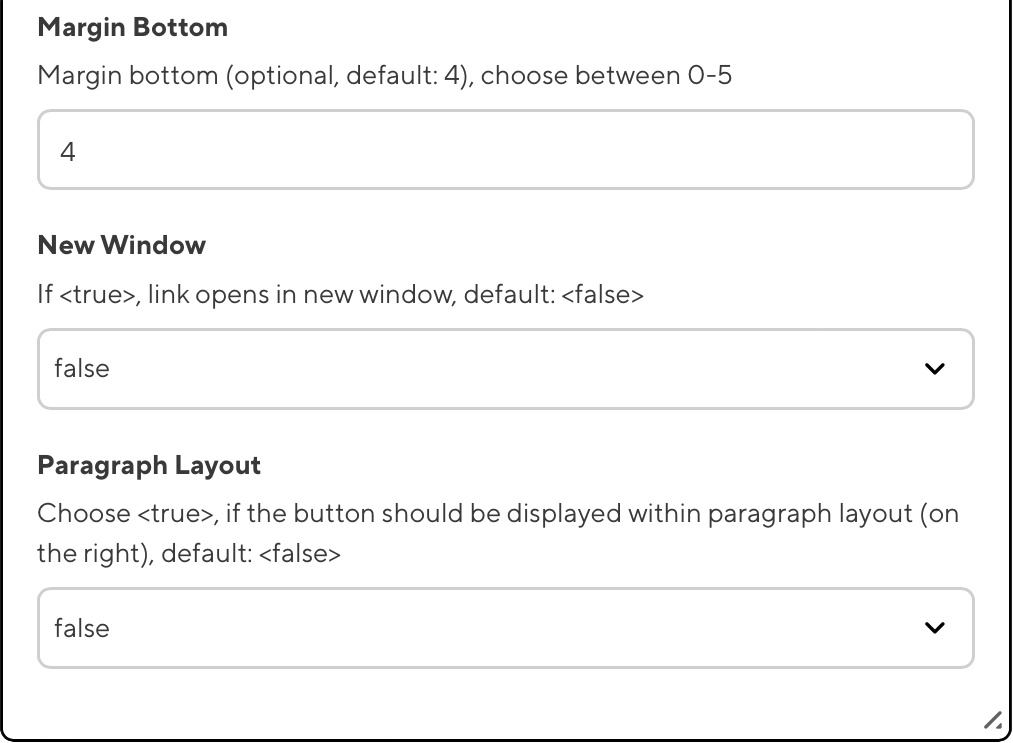
- Margin Bottom
- Margin bottom (optional, default: 4), choose between 0-5
- type: text
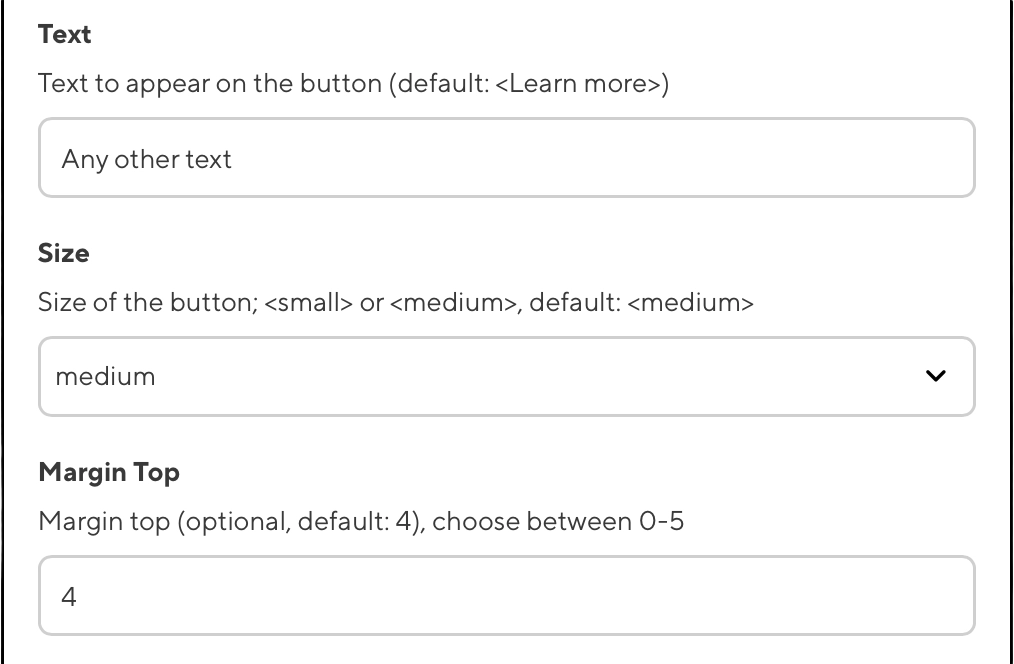
- Margin Top
- Margin top (optional, default: 4), choose between 0-5
- type: text
- New Window
- If <true>, link opens in new window, default: <false>
- type: select
- Paragraph Layout
- Choose <true>, if the button should be displayed within paragraph layout (on the right), default: <false>
- type: select
- Size
- Size of the button; <small> or <medium>, default: <medium>
- type: select
- Text
- Text to appear on the button (default: <Learn more>)
- type: text
Preview
Source Code
{{< learnMoreBtn link="https://mcml.ai" text="Any other text" size="medium" mt="4" mb="4" newWindow="false" paragraph="false" >}}
Back to Top
2025-08-14 - Last modified: 2025-09-03